

How to Play Onthel Life: Street Bike on PC
Set it up in four steps
- Download and install MEmu from memuplay.com.
- Start MEmu and sign in to Google Play with your Google account.
- Search for "Onthel Life: Street Bike" by Malala and install it — check that the developer name is Malala.
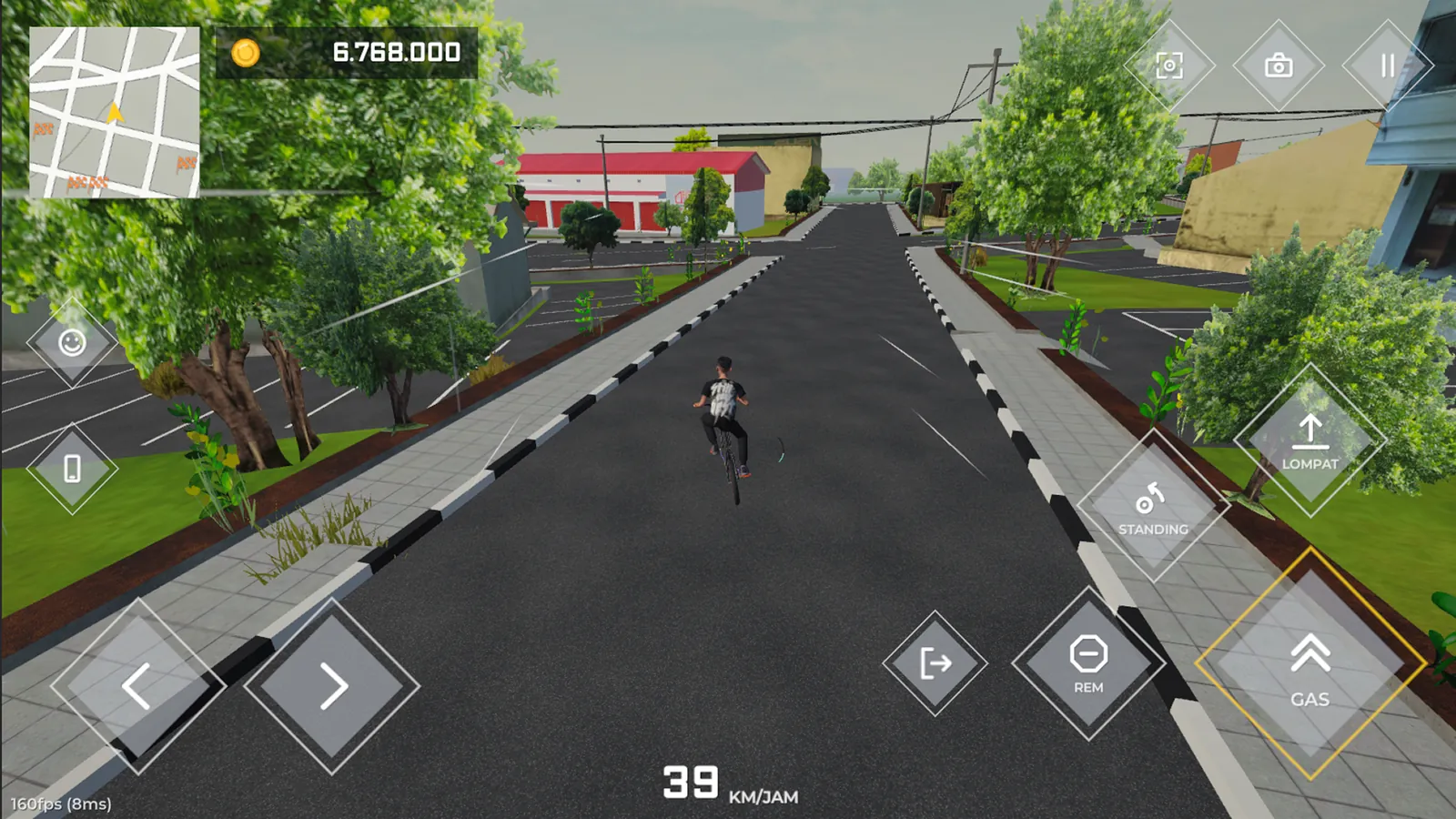
- Open the game from the MEmu home screen and set up keys for GAS, REM, STANDING, LOMPAT and steering.
Minimum PC specs (MEmu)
| Item | MEmu minimum |
|---|---|
| Operating system | Windows 7 or later |
| Processor | Intel or AMD x86 CPU |
| Memory | 2 GB RAM |
| Free disk space | 5 GB |
| Virtualization | Hardware virtualization (VT) enabled in BIOS |
The game download itself is around 197–205 MB depending on which mirror you ask (see download), so leave room on top of MEmu's own install.
Keyboard controls
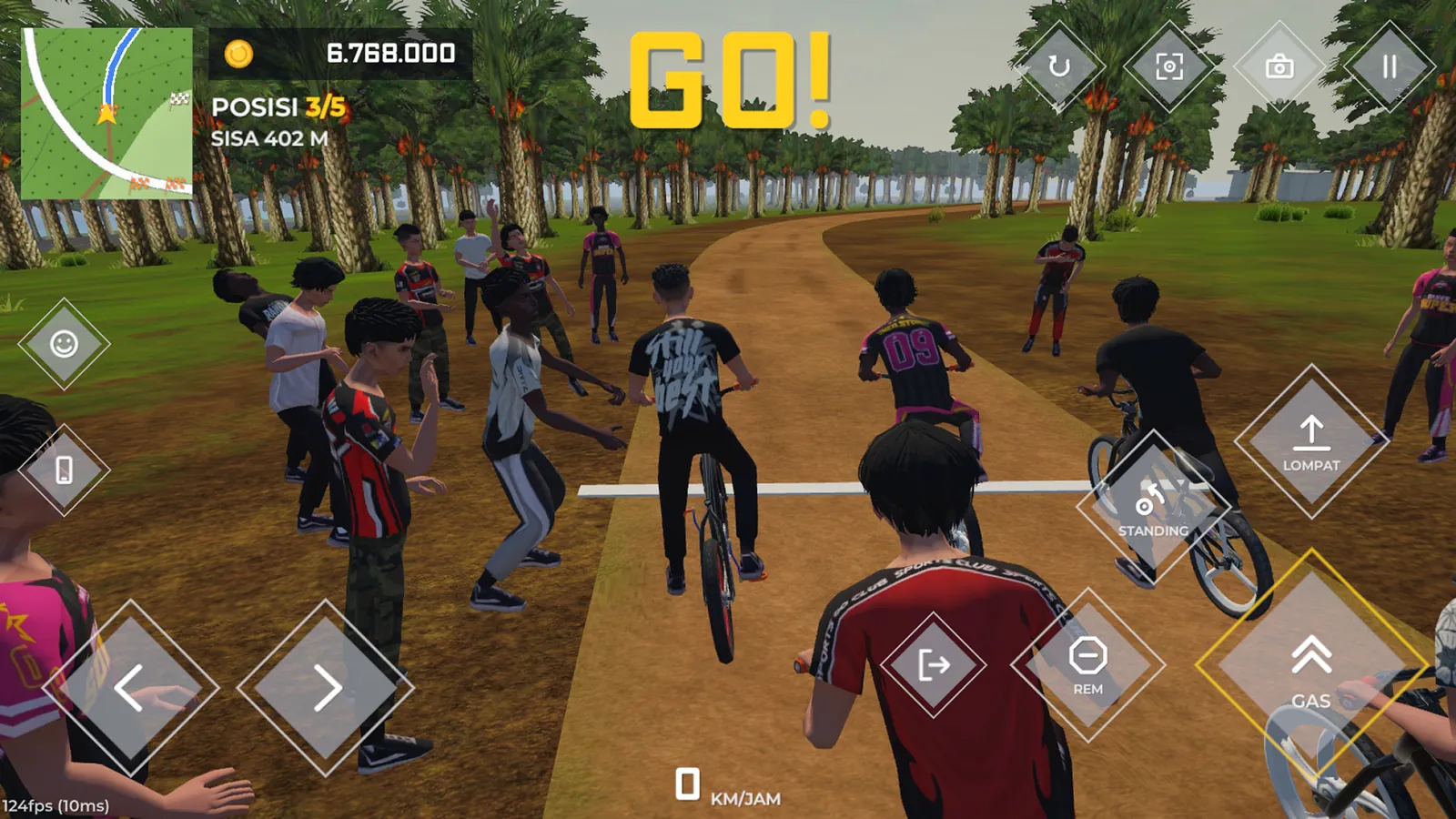
MEmu lets you drag a key onto any on-screen button. The buttons you need are the ones on the HUD: the steering arrows on the left, and GAS, REM, STANDING and LOMPAT on the right, plus the phone and the exit button. A suggested custom layout is A/D to steer, W for GAS, S for REM, Space for LOMPAT and Shift for STANDING; these are optional mappings, not published game defaults.
Common problems
| Problem | Fix |
|---|---|
| Emulator is very slow | Enable VT in BIOS and give MEmu more CPU cores and RAM in its settings. |
| Game not found in Play | Search the full name "Onthel Life: Street Bike" or open the Google Play link from this site inside MEmu's browser. |
| Wrong onthel game installed | Check the developer: Onthel Life is by Malala. Ontel Simulator Indonesia is by VerlyGamedev — see the comparison. |
Other Android emulators work the same way in principle (install, sign in to Play, install the game), but this guide uses the MEmu page verified for this game, so it is the one described here.
FAQ
Is Onthel Life: Street Bike on PC?
Google Play lists Windows availability, marked as powered by Intel technology. MEmu also documents a separate Android-emulator setup.
Is Onthel Life on Steam?
No Steam release was identified in this review; the developer-linked store listing is Google Play.
What PC do I need for the emulator?
MEmu lists Windows 7 or later, an Intel or AMD CPU, 2 GB RAM, 5 GB free disk and virtualization enabled.
Are redeem codes the same on PC?
Yes. Inside the emulator you are running the Android game, so codes go into the same in-game phone.
Keep reading
Sources
- MEmu — How to play Onthel Life: Street Bike on PC — checked 2026-11-26
- Google Play listing — Android and Windows availability — checked 2026-11-26
- App Store search for "onthel life" (no listing) — checked 2026-11-26
Page updated 2026-11-26. Written by The onthellife.org editor. Corrections: [email protected].